Free guide: controls
82% PO compliance, 62% contract coverage. How much spend is actually controlled?
A practice spend file reports 82.03% PO compliance and 62.06% contract coverage. Both look respectable. The honest answer to "how much spend sits outside at least one control?" is 46.59%, and neither of the two obvious calculations gets you there.
The question behind the two KPIs
PO compliance tells you how much money passed through a purchase order. Contract coverage tells you how much went to a supplier with a contract. A finance director wants a third number: how much spend should someone review because it missed one control or both. That number needs the overlap between the two flags, and a bar chart of each KPI on its own hides it.
Two answers that look right and are wrong
- Add the gaps. 17.97% without a PO plus 37.94% without a contract gives 55.91%. This counts invoices that fail both controls twice.
- Subtract the rates. 82.03% minus 62.06% gives a "gap" of 19.97 points. This measures nothing: it hides the spend that has a contract but no PO, and the spend that has neither.
The right tool: a PO by contract matrix
Cross-tabulate every invoice by the two flags. On the kit's fictional dataset (150 invoices, 20 invented suppliers, NGN 552,660,500) the four boxes are:
| Box | Invoices | Spend (NGN) | Share |
|---|---|---|---|
| PO and contract | 66 | 295,172,000 | 53.41% |
| PO, no contract | 39 | 158,185,000 | 28.62% |
| Contract, no PO | 34 | 47,825,000 | 8.65% |
| Neither | 11 | 51,478,500 | 9.31% |
| Outside at least one control | 84 | 257,488,500 | 46.59% |
The review population is everything except the top box. As a union: non-PO spend (NGN 99,303,500) plus off-contract spend (NGN 209,663,500) minus the spend in both groups (NGN 51,478,500) equals NGN 257,488,500.
Each box has a different owner. "PO, no contract" is a sourcing question for the category team. "Contract, no PO" is a process question for procure-to-pay. "Neither" is the first place to look.
Build it in Excel
Review population (no PO or no contract):
=SUM(Spend[Amount_NGN])
 -SUMIFS(Spend[Amount_NGN],Spend[POCompliant],"Y",Spend[ContractedSupplier],"Y")

PO but no contract:
=SUMIFS(Spend[Amount_NGN],Spend[POCompliant],"Y",Spend[ContractedSupplier],"N")
Compute off-contract spend from the N flag directly, never as 1 minus contract coverage. On real data some flags are blank, and the subtraction quietly counts unknowns as off-contract.
Build it in Power BI
Review Population Spend =
[Total Spend]
  - CALCULATE ( [Total Spend],
      KEEPFILTERS ( Spend[POCompliant] = "Y" ),
      KEEPFILTERS ( Spend[ContractedSupplier] = "Y" ) )
KEEPFILTERS makes the measure respect a slicer instead of overriding it. Keep flag slicers off the executive page, because a PO slicer set to Y turns PO compliance into 100%.
Spend-weighted or count-based?
The same file shows 82.03% PO compliance by spend and 70.00% by invoice count (105 of 150). Large invoices tend to go through a PO; small, frequent purchases often do not. A CFO cares about the spend view. A policy owner cares about the count view, because it shows how people behave. Always say which one you are reporting.
The one-invoice trap
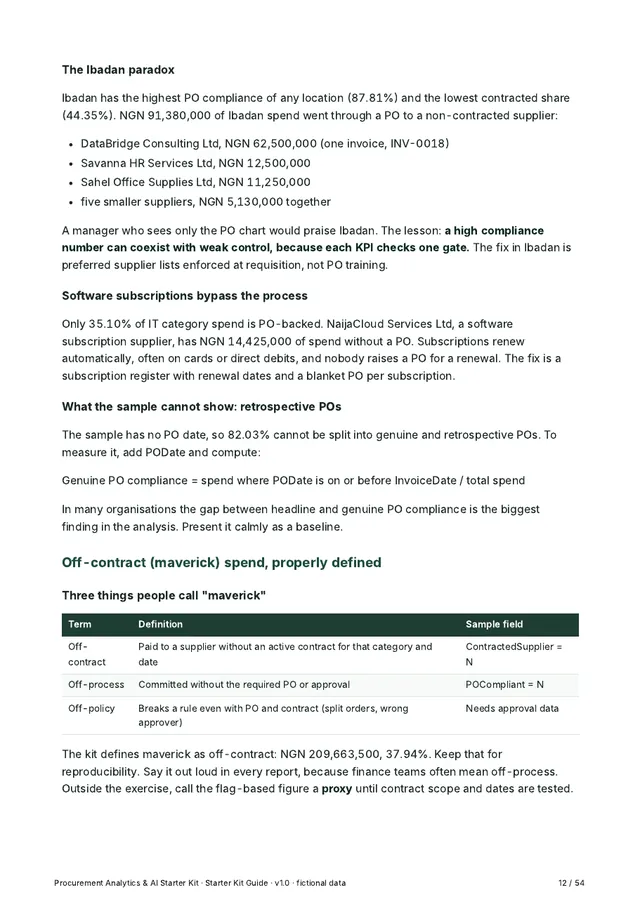
Off-contract spend on the sample is 37.94%. Before recommending a sourcing event, sort the exceptions by value: one invoice, INV-0018 at NGN 62,500,000, is 29.81% of all off-contract spend. A review of that single purchase may change the recommendation more than a category-wide project would.
What this data cannot tell you. A PO reference does not prove approval happened before the commitment, and a contract flag does not prove the purchase was in the contract's scope. Without approval timestamps and a contract register, the matrix is a review list, not a finding of loss or misconduct.
Go further
The Starter Kit teaches this method end to end on the practice dataset: a 54-page guide, a click-by-click Excel and Power BI build guide, 29 exercises and 3 case studies with worked answers, 28 AI prompts, a self-checking workbook and a 29-KPI dictionary.
CA$15 once (about US$11), plus local sales tax where it applies, shown at checkout. Secure checkout by Stripe. Instant download. All sales final.
Free one-page KPI cheat sheet: download the PDF, no email needed.